Online Schedule Generator – Create, Edit, and Print for Free
Planzeo is a free online schedule maker that helps you quickly create a clear, stylish, and fully customizable weekly plan. It works perfectly as a class schedule generator, but it can also be used as a personal planner, study plan, work schedule, or any other weekly layout you need.
You can set your own titles, time ranges, and days of the week, then download a print-ready PDF schedule in just a few clicks.

Planzeo – a simple and free schedule PDF generator
Planzeo works seamlessly across desktop and mobile devices, so you can view and manage your schedule on your phone, tablet or computer anytime. Your plan is automatically saved in your browser, allowing you to access it later without registration or login. This makes it a convenient solution for organizing your weekly schedule, checking your timetable during the day and keeping your plans always within reach.
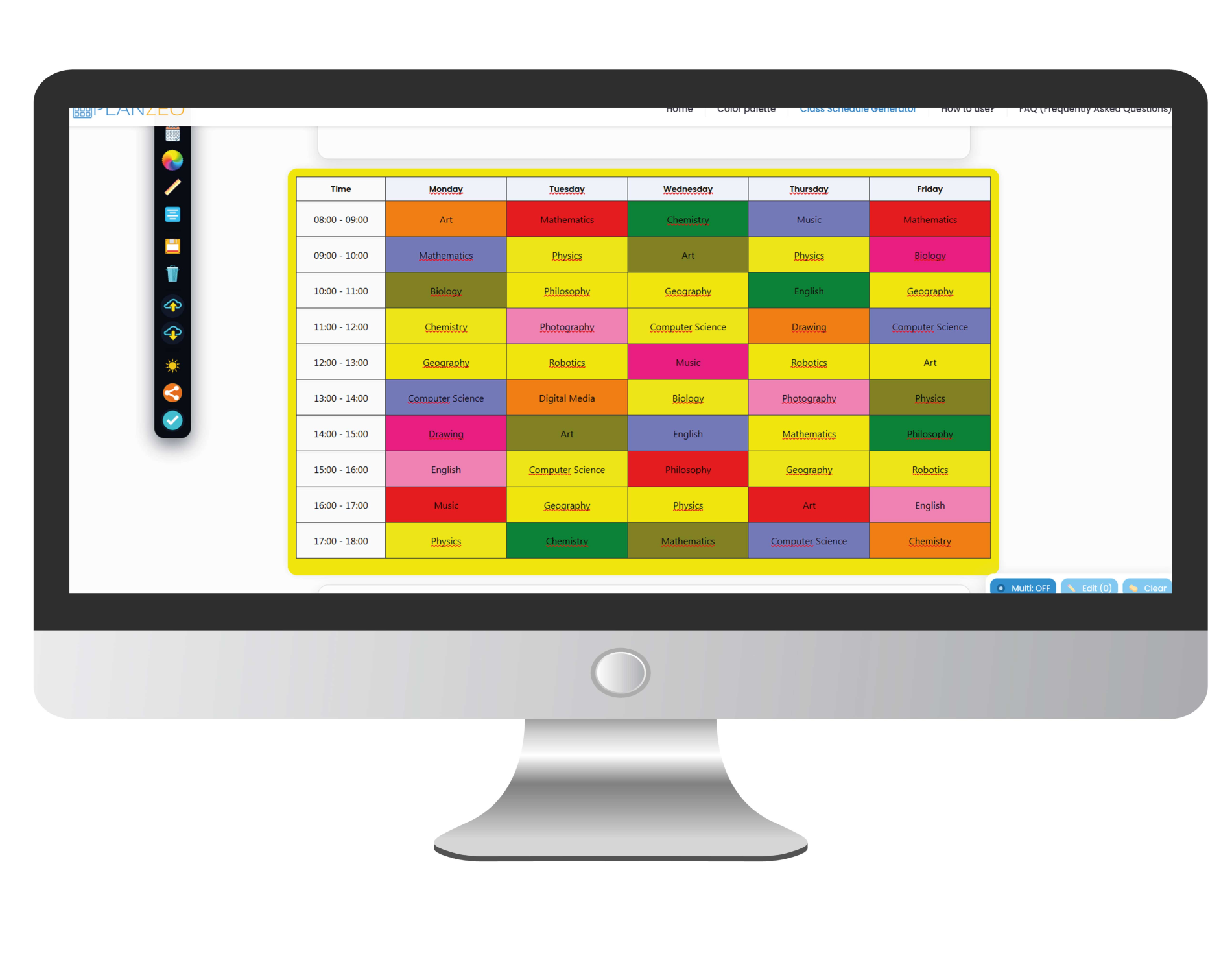
How to use Planzeo?
- Enter your titles, days of the week, and time slots.
- Customize the look – choose colors, fonts, and background.
-
Download your schedule as a PDF and print or save it to your computer.


Who is Planzeo for?
- Students and learners – organize classes, study time, and exams.
- Teachers – prepare clear lesson or class schedules.
- Professionals – plan work tasks, routines, or weekly schedules.
- Anyone who wants a simple and visual way to plan their week.

Why use Planzeo?
- Completely free
- No login or registration
- Works on computers and phones
- Fast PDF download
- Many personalization options


No Login

Mobile
Compatibility and security
Planzeo works in any modern browser – on both computers and smartphones. PDF files can be opened in programs like Adobe Reader or any PDF viewer. Everything works without installation, tracking cookies, or user accounts.

Use the schedule generator conveniently on your smartphone.

Create and edit your schedule on a large computer screen.
Download your completed schedule as a print-ready PDF.
Ready? Create your schedule now!
Planzeo is the easiest way to quickly create and manage your schedule. See for yourself how simple it is!